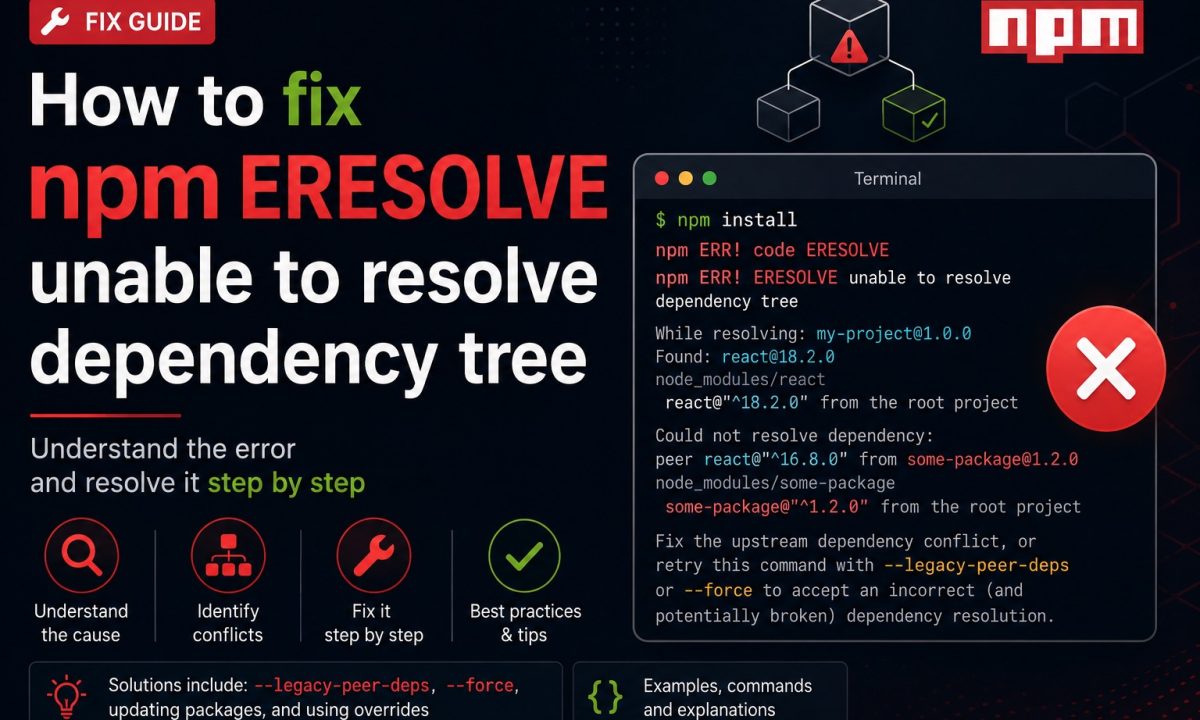
You bumped React from 18 to 19 on a Friday afternoon, ran npm install, and the terminal filled with red. The deploy you promised for Monday now hinges on a wall of text about a dependency tree. If you’re staring at npm ERESOLVE unable to resolve dependency tree, the install didn’t crash randomly — npm found two packages that demand incompatible versions of the same dependency and refused to guess which one wins. That refusal is the feature. The trick is reading what it tells you instead of reaching for the flag that silences it.
The real fix
npm ERESOLVE unable to resolve dependency tree means npm found incompatible peer dependency ranges. Read the package names in the error, upgrade or downgrade the conflicting packages to compatible versions, and use overrides only when you intentionally own that risk. --legacy-peer-deps is a temporary bypass, not the real fix.
Here is the shape of the error, trimmed to the part that matters:
npm error code ERESOLVE
npm error ERESOLVE unable to resolve dependency tree
npm error
npm error While resolving: my-app@1.0.0
npm error Found: react@19.1.0
npm error node_modules/react
npm error   react@"^19.1.0" from the root project
npm error
npm error Could not resolve dependency:
npm error peerOptional react@"^18.2.0" from react-spring@9.7.3
npm error node_modules/react-spring
npm error   react-spring@"^9.7.3" from the root project
npm error
npm error Conflicting peer dependency: react@18.3.1
npm error node_modules/react
npm error   peer react@"^18.2.0" from react-spring@9.7.3
What “Could not resolve dependency” actually means
Read it top to bottom. Found: react@19.1.0 is what your root project pulled in. Could not resolve dependency: peerOptional react@"^18.2.0" from react-spring is the complaint — react-spring@9.7.3 declares a peer dependency on React 18, and 19 doesn’t satisfy ^18.2.0. npm can’t put both a React 18 and a React 19 in the same node_modules/react slot, so it stops.
A peer dependency is a package’s way of saying “I plug into your copy of X, I don’t bring my own.” Plugins and framework adapters use it so you don’t end up with two React instances fighting over the same hook state. Since npm 7 (2020), unmet peer dependencies are hard errors instead of the silent warnings npm 6 shrugged off. That’s why a project that installed fine two years ago suddenly throws ERESOLVE the moment you upgrade a major version — nothing broke, npm just stopped lying to you. The peerOptional label means the peer was marked optional, but a present and conflicting one still blocks resolution.
If your error is Cannot find module rather than ERESOLVE, that’s a different animal — a missing or unbuilt package, not a version standoff. I wrote that one up separately in fix cannot find module.
–force vs –legacy-peer-deps (and why reaching for them first is a mistake)
Every Stack Overflow answer points here, so let’s be precise about what you’re agreeing to.
npm install --legacy-peer-deps
npm install --force
--legacy-peer-deps tells npm to resolve dependencies the npm-6 way: ignore peer dependency declarations entirely. The install completes, but react-spring now sits next to React 19 having been promised React 18. Nothing checks whether that’s safe — you might hit a cryptic “Invalid hook call” three screens deep, or it might work for months until it doesn’t.
--force is the bigger hammer. It accepts broken peer deps and overrides other resolution conflicts, re-fetches cached packages, and will install combinations the registry explicitly forbids. The npm CLI docs describe it as a flag that forces npm to fetch remote resources and accept conflicts — a debugging tool, not an install strategy.
The real cost is silence. Both flags make the symptom disappear without recording why the conflict existed, so the next developer (often you, in four months) re-discovers it from scratch. Use --legacy-peer-deps for one case only: a third-party library that hasn’t updated its peer range but is verified compatible. Run it to inspect, don’t bake it in.
Read the conflict and bump the offending dependency
Most ERESOLVE failures have a boring fix: the complaining package shipped a newer version that supports your upgrade. react-spring@9.7.3 wants React 18 — check the registry:
npm view react-spring versions --json | tail -20
npm view react-spring@latest peerDependencies
If react-spring@10.0.0 lists "react": "^18.0.0 || ^19.0.0", you’re done — the maintainer already did the work:
npm install react-spring@latest
The 90-second loop: read the Could not resolve dependency line, find which package declares the failing peer, check if a newer release widened its range, upgrade that package. No flags, no lockfile surgery, and CI stays green because the tree is genuinely consistent.
Sometimes the package cannot go higher — it’s abandoned, or the next version drops a feature you need. That’s where --legacy-peer-deps is defensible. Pin it in a project-level .npmrc so it’s explicit and reviewable:
# .npmrc
legacy-peer-deps=true
Now it’s in version control and the next reviewer sees the decision instead of inheriting a mystery.
When the offender is a transitive dep, use npm overrides
The frustrating case: the conflict isn’t in your dependencies, it’s two layers down. Package A depends on B, and B pins an old or conflicting version of C. You can’t npm install C@latest because nothing in your package.json lists C directly.
That’s what overrides is for. Added in npm 8.3 and stable through npm 11, it forces a version on any dependency in the tree, from the root package.json:
{
  "overrides": {
    "glob": "^10.4.5"
  }
}
Scope it to a single chain when you only want one branch — broad overrides can break sibling packages that legitimately need the old version:
{
  "overrides": {
    "some-plugin": {
      "minimatch": "^9.0.5"
    }
  }
}
There’s a sharp tool in the package.json docs: the $ reference. It pins a transitive dep to whatever version you’ve declared as a direct dependency, so the two never drift:
{
  "dependencies": {
    "react": "^19.1.0"
  },
  "overrides": {
    "react": "$react"
  }
}
That forces every package in the tree onto your React 19, peer ranges be damned — with one source of truth instead of a guess. One caveat the docs are blunt about: overrides only apply from the root project. If you’re authoring a library, yours are ignored when someone installs your package. They’re a leaf-level lever, not something you ship.
The CI angle: npm ci fails on the lockfile you papered over
This is where the shortcut bites. npm ci is the install command for pipelines — faster, deletes node_modules first, installs strictly from package-lock.json. It also refuses to improvise. The npm ci docs put it directly: “If dependencies in the package lock do not match those in package.json, npm ci will exit with an error.”
Here’s the trap. You run npm install --legacy-peer-deps locally, it succeeds, you commit. But a known npm issue (npm/cli#9358) means an install that overrode peer deps can write a package-lock.json missing some transitive entries. Then CI runs plain npm ci, finds the lock out of sync, and dies with Missing: X from lock file for a dozen packages your laptop installed fine.
The diagnostic, if you suspect a stale lock:
npm install --package-lock-only
git diff package-lock.json
If that regenerates a meaningfully different lockfile, your committed one was incomplete — commit the corrected version. And if your CI step genuinely needs the legacy behavior, make it match your local environment instead of hiding the difference:
npm ci --legacy-peer-deps
But treat that as a yellow flag. A pipeline that only passes with --legacy-peer-deps is carrying an unresolved conflict in its luggage. The right move is fixing the tree so both npm ci and npm install agree with no flags — that’s the whole point of a lockfile. If you’re standing up CI from scratch, the GitHub Actions Node.js CI pipeline walkthrough covers a clean install step, and the TypeScript Node.js setup for 2026 guide keeps the dependency surface small enough that ERESOLVE rarely shows up at all.
The flags will be there when you’re truly stuck. Just don’t make them your reflex — npm is the only thing standing between you and two Reacts in one bundle.
FAQ
What does npm ERESOLVE unable to resolve dependency tree mean?
It means npm found two packages in your project that require incompatible versions of the same dependency — most often an unmet peer dependency — and refused to install because it can’t put both versions in one node_modules slot. The error block names the package and version that conflict.
Is it safe to use –legacy-peer-deps?
It’s safe only when you’ve confirmed the package actually works with the version you’re forcing, usually because the maintainer hasn’t updated a peer range yet. It disables peer dependency checks entirely, so a genuinely incompatible combo installs and then fails at runtime instead of at install time.
What is the difference between –force and –legacy-peer-deps?
--legacy-peer-deps only ignores peer dependency rules. --force ignores peer deps and overrides other resolution conflicts plus re-fetches cached packages, so it can install combinations the registry forbids. --force is the more dangerous of the two — reach for it last, if ever.
How do I fix an ERESOLVE error in a transitive (nested) dependency?
Add an overrides block to your root package.json pinning the nested package to a compatible version, e.g. { "overrides": { "glob": "^10.4.5" } }. Use the $name syntax to keep a transitive dep aligned with a direct dependency you already declared, then commit the updated package-lock.json.
Why does npm install work but npm ci fail in CI?
npm ci installs strictly from package-lock.json and exits with an error if the lock and package.json disagree. A local npm install that overrode peer deps can write an incomplete lockfile, which CI rejects. Run npm install --package-lock-only, commit the regenerated lockfile, and CI should match your machine.
Does upgrading npm cause ERESOLVE errors?
It can surface them. npm 7 turned unmet peer dependencies from warnings into hard errors, so a project that installed quietly on npm 6 may throw ERESOLVE on npm 7 through 11 without any of your code changing. The conflict was always there — newer npm just stopped ignoring it.