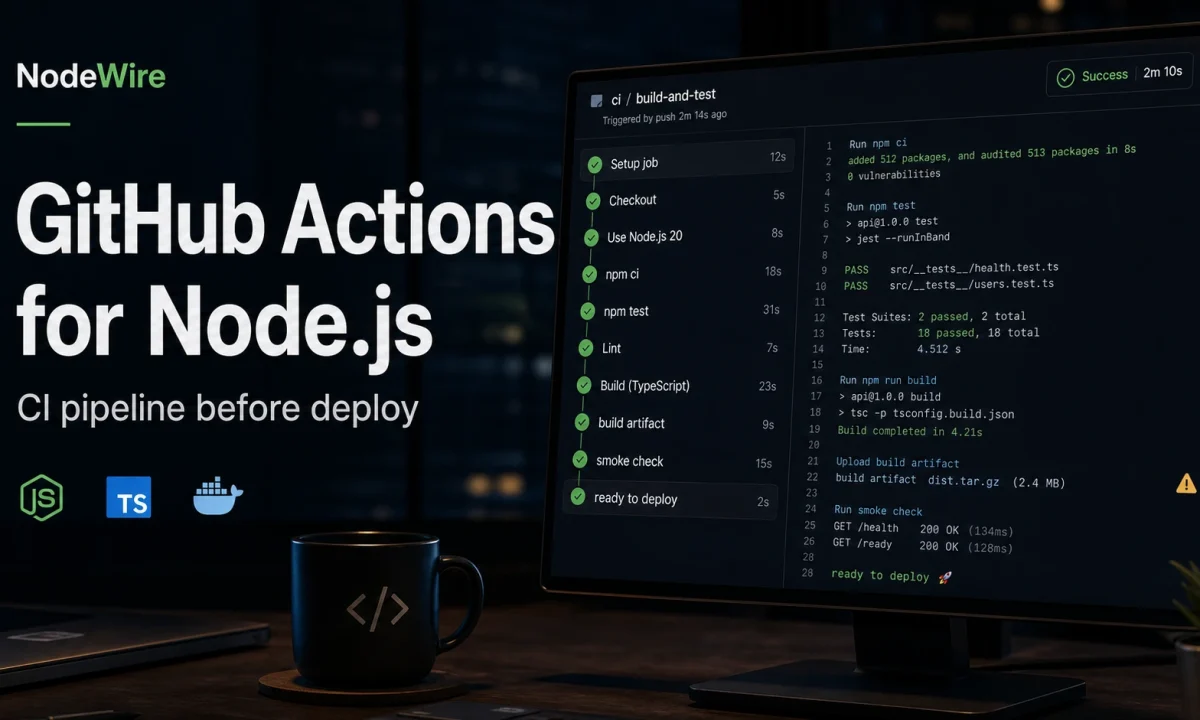
I stopped trusting green Node.js builds after one deploy where CI tested the source, production ran the compiled artifact, and the artifact could not boot. TypeScript path aliases worked in Vitest. They survived tsc. Then raw Node tried to load @app/config from dist/server.js and died before the health check answered. CI had passed because it never ran the thing we shipped.
This is the GitHub Actions for Node.js pipeline I use before deploy now. It is not fancy. It installs from the lockfile, caches dependencies without trusting stale output, checks formatting and types, runs unit and integration tests, builds, boots the compiled artifact, uploads useful failure logs, and refuses overlapping deploy builds.
What the SERP examples usually miss
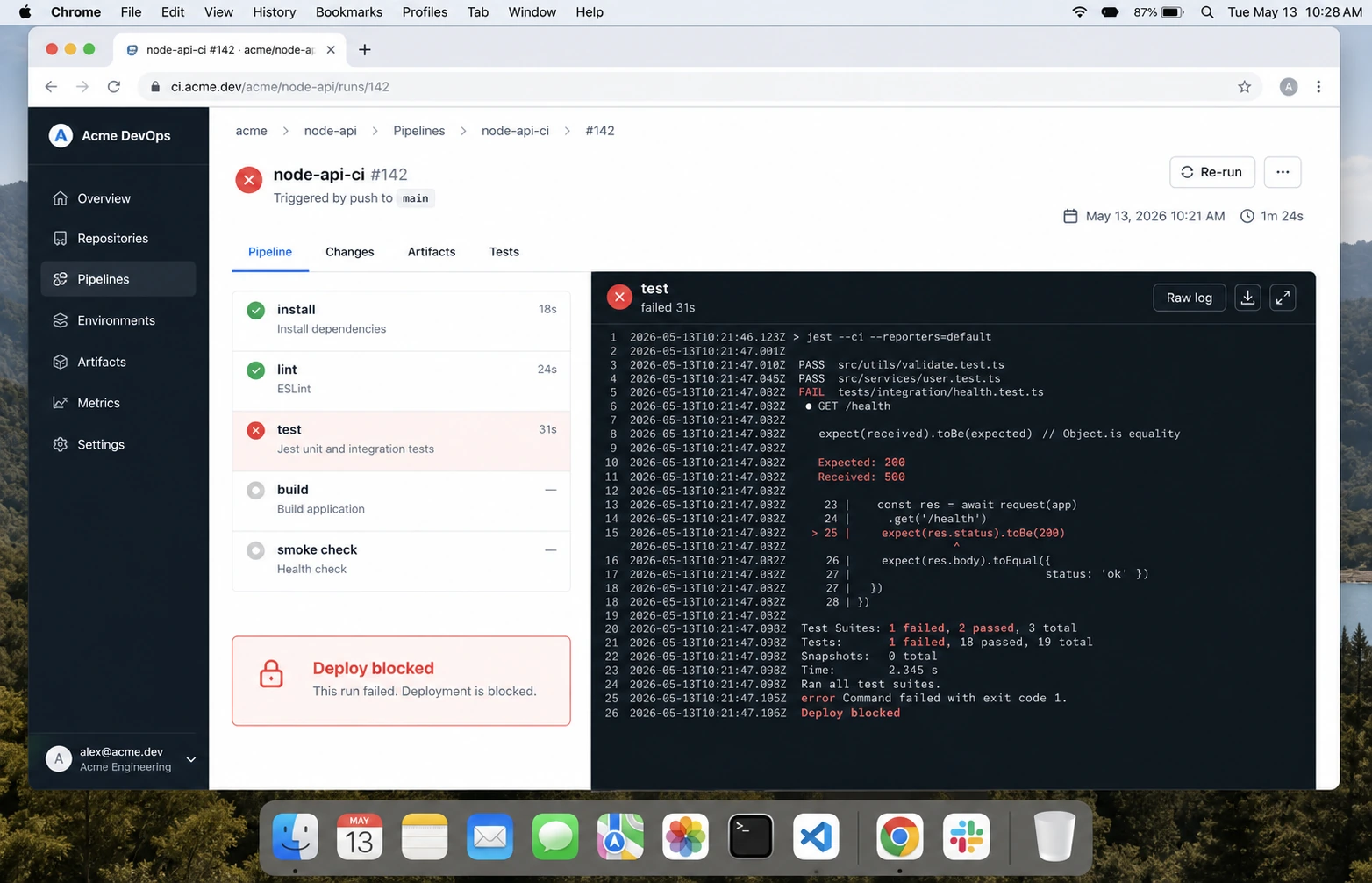
Most GitHub Actions Node.js tutorials get the first 60 percent right: checkout, setup-node, install, test. The failures I see in paid work live in the remaining 40 percent:
- CI uses
npm installinstead ofnpm ci, so the lockfile is optional. - The workflow tests TypeScript source but never boots compiled JavaScript.
- Cache keys are too broad, so a dependency upgrade reuses stale state.
- Pull-request workflows get write permissions they do not need.
- Two pushes race each other and the older build deploys last.
- Integration tests need Postgres or Redis but run against mocks only.
The official GitHub Node.js build guide is a good baseline. The production pipeline below adds the parts I have been burned by.
The workflow I start from
name: ci

on:
  pull_request:
    branches: [main]
  push:
    branches: [main]

permissions:
  contents: read

concurrency:
  group: ci-${{ github.workflow }}-${{ github.ref }}
  cancel-in-progress: true

jobs:
  quality:
    name: quality / node ${{ matrix.node-version }}
    runs-on: ubuntu-latest
    timeout-minutes: 20

    strategy:
      fail-fast: false
      matrix:
        node-version: [22.x, 24.x]

    steps:
      - name: Checkout
        uses: actions/checkout@v5

      - name: Setup Node
        uses: actions/setup-node@v6
        with:
          node-version: ${{ matrix.node-version }}
          cache: npm

      - name: Install
        run: npm ci

      - name: Lint
        run: npm run lint --if-present

      - name: Typecheck
        run: npm run typecheck --if-present

      - name: Test
        run: npm test -- --runInBand

      - name: Build
        run: npm run build --if-present

      - name: Boot compiled artifact
        run: npm run smoke:dist --if-present
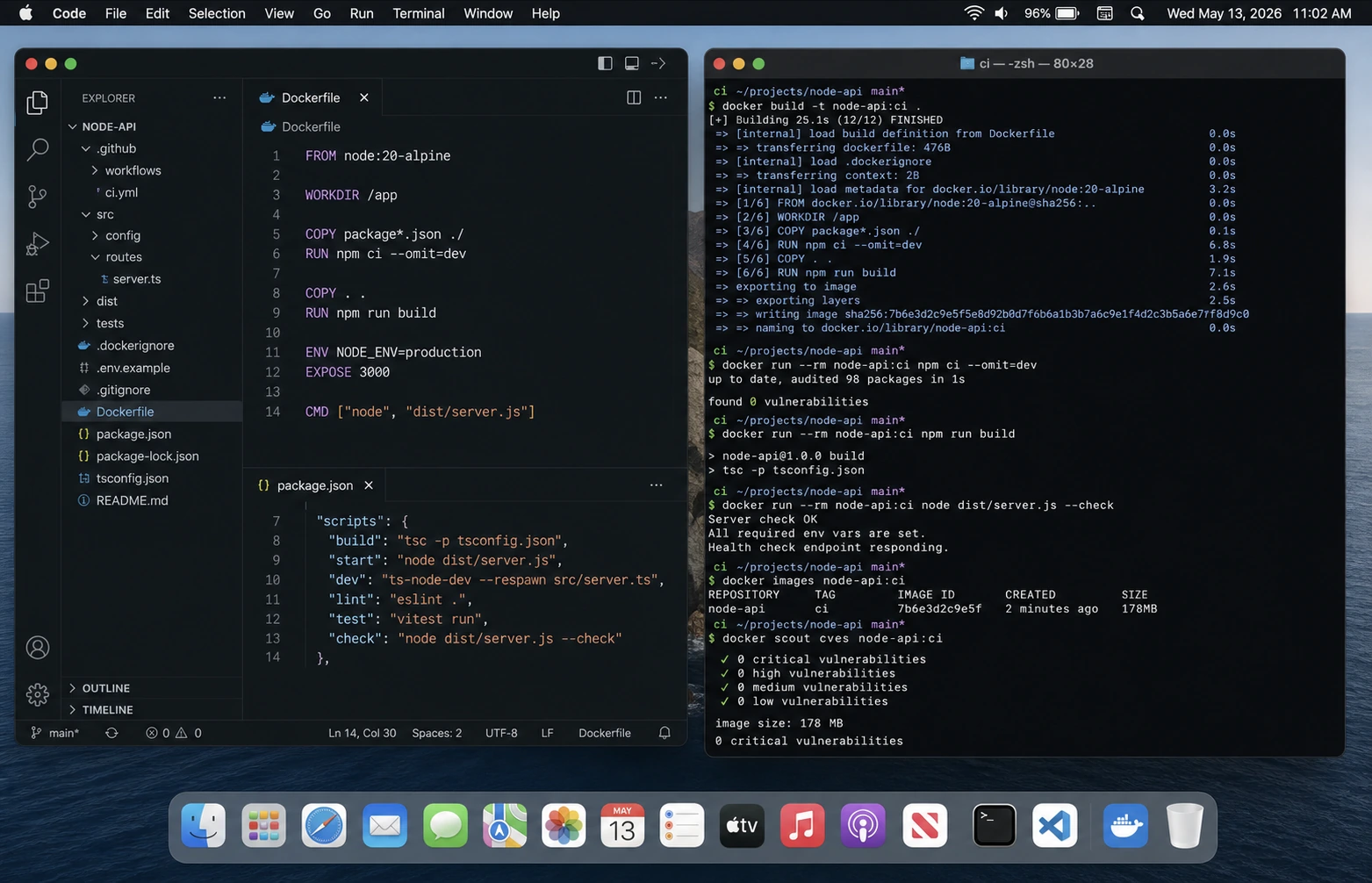
actions/setup-node handles Node install and dependency caching. I still keep npm ci explicit because it fails if package-lock.json and package.json disagree. That is a feature, not a nuisance.
The smoke test that catches embarrassing deploys
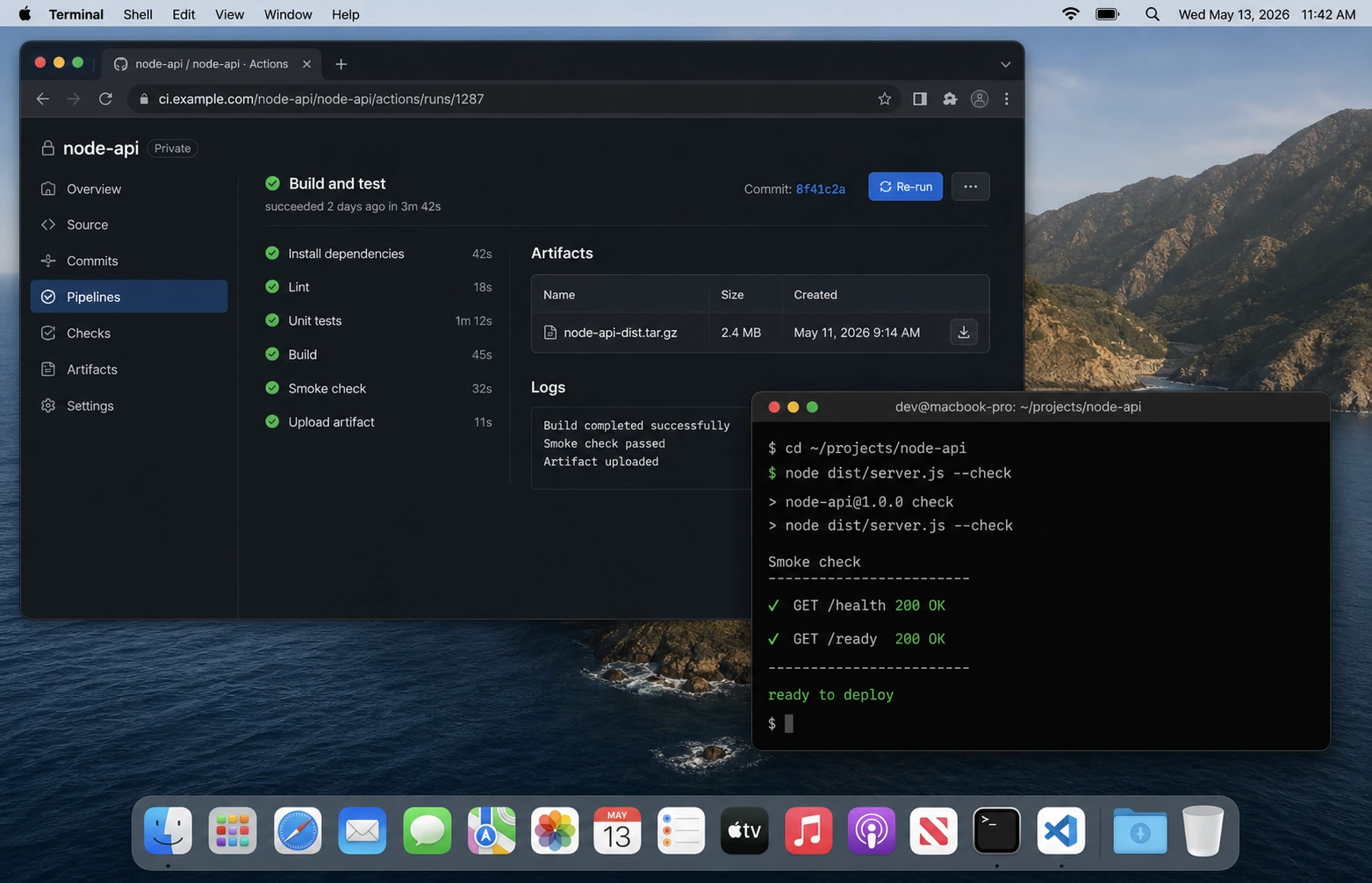
Add this script to every API that builds to dist:
{
  "scripts": {
    "build": "tsc -p tsconfig.build.json",
    "smoke:dist": "node dist/server.js --check"
  }
}
Then make the app honour --check without opening a port forever:
if (process.argv.includes("--check")) {
  await import("./env.js");
  console.log("compiled artifact boots");
  process.exit(0);
}

await app.listen({ port: Number(process.env.PORT ?? 3000), host: "0.0.0.0" });
This catches the boring disasters: missing dist files, unresolved path aliases, ESM/CJS mismatches, missing env validation imports, and packages that work under tsx but not under Node. It pairs directly with the Cannot find module guide.
pnpm version
For pnpm, use Corepack so the package manager version comes from the repo instead of the runner image:
- uses: actions/setup-node@v6
  with:
    node-version: 24.x
    cache: pnpm

- name: Enable corepack
  run: corepack enable

- name: Install
  run: pnpm install --frozen-lockfile

- name: Test
  run: pnpm test

- name: Build
  run: pnpm build
The rule is the same as npm: frozen lockfile in CI. If the lockfile is wrong, the build should fail before the app gets near staging.
Integration tests with Postgres and Redis
Mocks are fine for unit tests. They are not enough for an API that depends on Postgres transactions, Redis locks, queues, or migrations. GitHub Actions service containers are the lowest-friction way to run the real pieces:
jobs:
  integration:
    runs-on: ubuntu-latest
    services:
      postgres:
        image: postgres:18-alpine
        env:
          POSTGRES_PASSWORD: postgres
          POSTGRES_DB: app_test
        ports:
          - 5432:5432
        options: >-
          --health-cmd pg_isready
          --health-interval 10s
          --health-timeout 5s
          --health-retries 5
      redis:
        image: redis:8-alpine
        ports:
          - 6379:6379
    env:
      DATABASE_URL: postgresql://postgres:postgres@localhost:5432/app_test
      REDIS_URL: redis://localhost:6379
    steps:
      - uses: actions/checkout@v5
      - uses: actions/setup-node@v6
        with:
          node-version: 24.x
          cache: npm
      - run: npm ci
      - run: npm run db:migrate:test
      - run: npm run test:integration
If your team already uses Testcontainers, use that instead. I like service containers for boring APIs because the YAML is visible and the failure mode is obvious. For more complex suites, the Node.js API testing guide uses Testcontainers.
Permissions: start read-only
The GitHub docs recommend least privilege with the permissions key. For CI, this is usually enough:
permissions:
  contents: read
Only grant packages: write, id-token: write, or deployment permissions in a separate job that actually needs them. Keep pull-request checks boring and read-only. Be especially careful with pull_request_target; it runs with base-repo privileges and is the wrong trigger for untrusted code unless you know exactly why you need it.
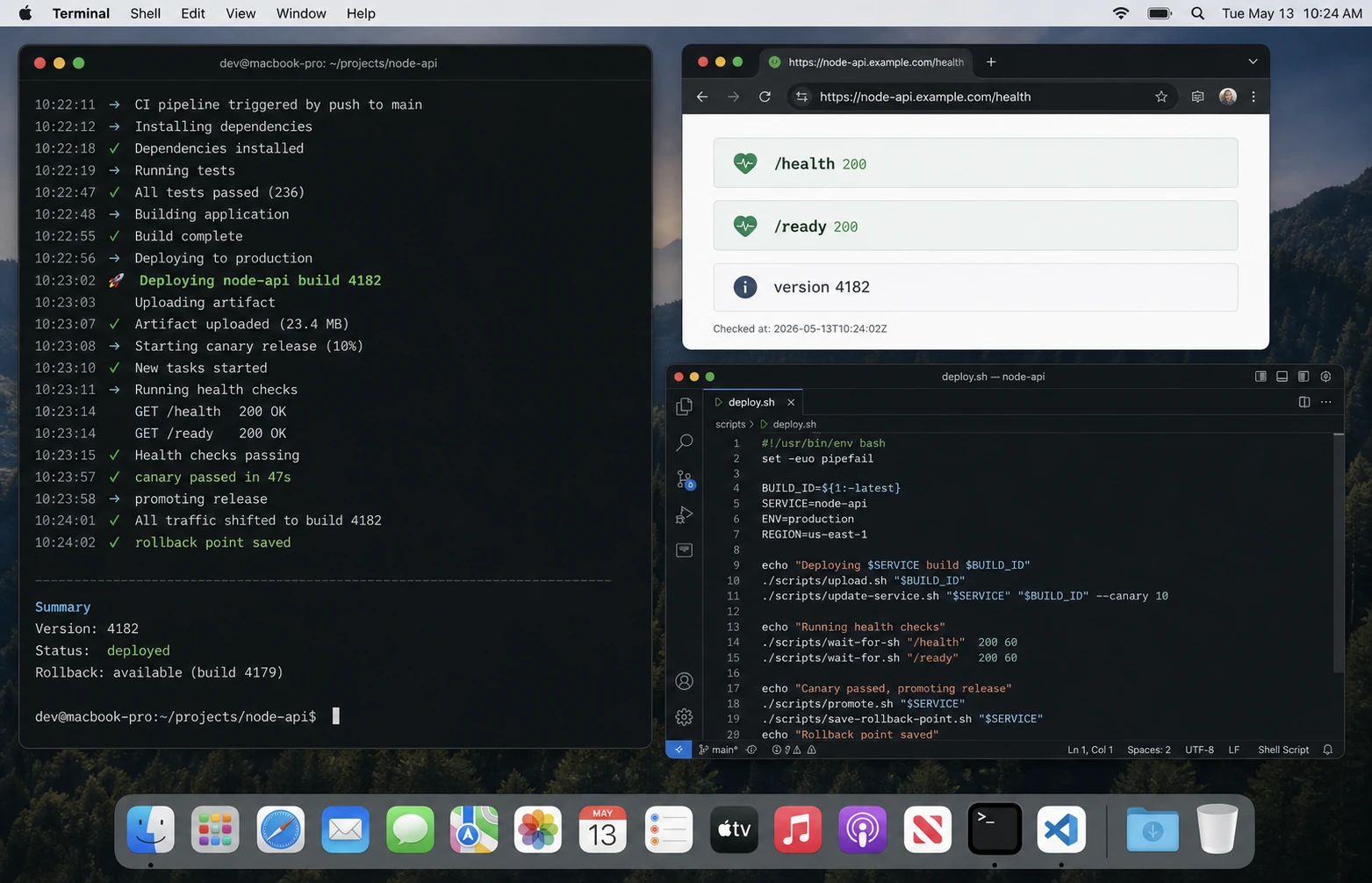
Deploy gates
I split CI and deploy. CI proves the code is worth deploying. Deploy runs only after CI passes on main.
deploy:
  needs: [quality, integration]
  if: github.ref == 'refs/heads/main'
  runs-on: ubuntu-latest
  environment: production
  permissions:
    contents: read
    id-token: write
  steps:
    - uses: actions/checkout@v5
    - run: echo "deploy here"
The environment: production line lets GitHub apply environment protection rules. That is where I put manual approvals for small teams and branch protections for larger ones. The deploy details depend on your target; the Docker guide covers image builds, and the DigitalOcean guide covers the single-VPS path.
The checklist
npm ciorpnpm install --frozen-lockfile, never casual installs.- Cache dependencies through
setup-node, not hand-rolled cache paths unless necessary. - Run lint, typecheck, tests, build, and compiled-artifact smoke test.
- Run integration tests against real Postgres/Redis for database-heavy APIs.
- Set workflow
permissionsexplicitly. - Use
concurrencyso old pushes do not race new pushes. - Keep deploy in a separate gated job.
- Upload logs or coverage only when they help debug failures.
FAQ
Should I use npm install or npm ci in GitHub Actions?
Use npm ci. It installs exactly from the lockfile and fails when the lockfile is inconsistent.
Should CI test multiple Node versions?
Test the production version and the next version you plan to support. For NodeWire examples in 2026, I usually test Node 22 and Node 24.
Do I need Docker in CI?
Not for every app. If you deploy containers, build the image in CI before deploy. If you deploy source to a VPS, a compiled-artifact smoke test catches most of the same boot failures faster.
Why is my GitHub Actions cache flaky?
Usually the cache key is too broad or the lockfile changed. Prefer the built-in cache: npm or cache: pnpm option in setup-node before custom caching.
Should pull requests deploy preview environments?
Only if secrets and permissions are isolated. For public repos, never expose production secrets to untrusted PR code.
What ships next
CI is the gate. The next step is release mechanics: Docker image tags, rollback, migrations, and zero-downtime restarts. If your current CI is green but production still breaks on module resolution, fix that first with the Cannot find module guide.