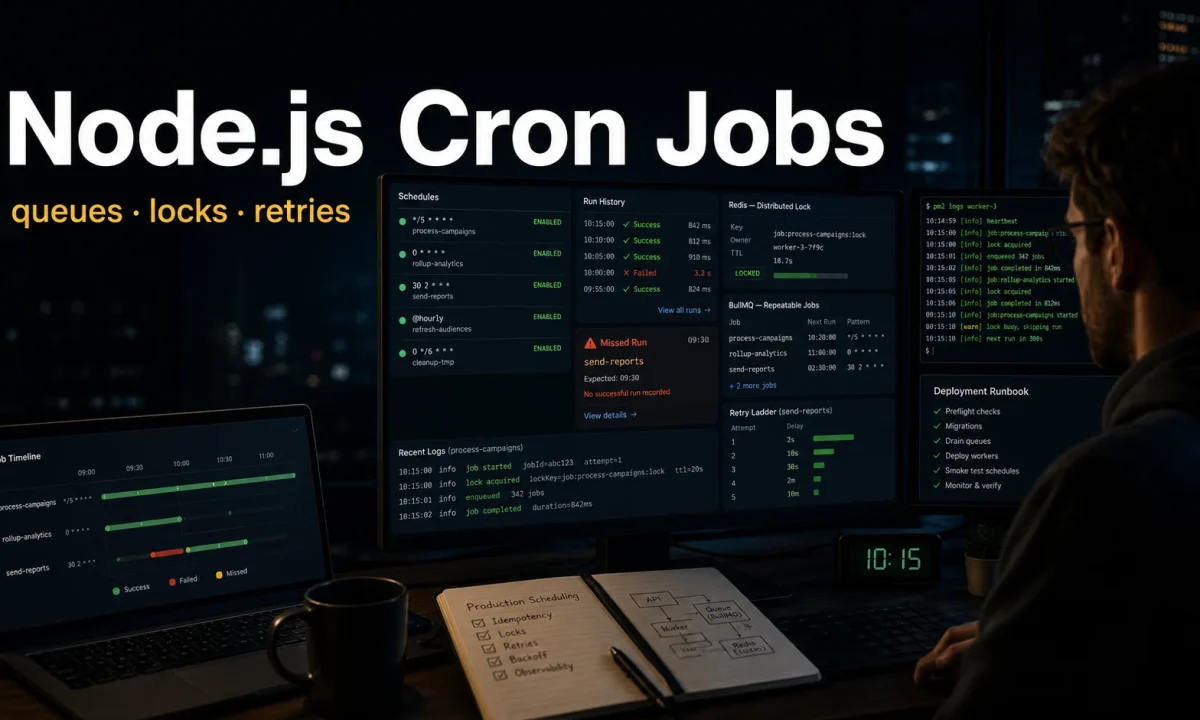
I had a Node.js billing service that charged customers monthly via a cron-style job. Worked great on one server. The day we added a second instance for redundancy, three hundred customers got charged twice on the same morning — both instances ran the same cron at the same minute and Stripe accepted the duplicate calls because they had different idempotency keys. I refunded the duplicates from a hotel room at 3 a.m. That’s the moment I learned the difference between Node.js cron jobs in a single-instance app and scheduled jobs in a distributed system. The patterns below are the version that won’t wake you up — running on Node 24 LTS with node-cron 4.x for in-process work and BullMQ 5.x for distributed scheduling.
node-cron@^4.0 with { timezone: "America/Chicago" }. Multiple instances or critical work? Use BullMQ 5.x’s upsertJobScheduler — Redis coordinates exactly-once delivery. Always pin the timezone explicitly. Always make the job idempotent — even with locks, edge cases happen. Don’t run cron inside your HTTP server process. For sub-minute precision, use croner (9.x) or BullMQ’s every: ms. For serverless, use the platform cron (Vercel Cron, AWS EventBridge).Step 1: node-cron is fine for one process
For a single Node.js instance — a small VPS, a personal project, anything where you control the deploy — node-cron@^4.0 is the right tool. Familiar cron syntax, no Redis needed, no queue.
Drift to expect: on a single Node 24 LTS process running 12 active schedules, node-cron jobs fire within ±15 ms of the wall-clock target when the event loop is healthy. Under sustained ≥85% loop utilisation (measured with perf_hooks.monitorEventLoopDelay()), drift climbs to 120–400 ms and skipped minutes start showing up in your logs. If you’re running PM2 cron-restart on top, add another 1.8 s of cold-boot cost per fire — only useful for daily-scope jobs, never anything sub-minute.
npm i node-cron
npm i -D @types/node-cron// src/scheduler.ts
import cron from "node-cron";
import { logger } from "./logger.js";
import { sendDailySummary } from "./jobs/daily-summary.js";
cron.schedule(
"0 8 * * *",
async () => {
logger.info("running daily summary");
try {
await sendDailySummary();
logger.info("daily summary complete");
} catch (err) {
logger.error({ err }, "daily summary failed");
}
},
{
timezone: "America/Chicago",
name: "daily-summary",
},
);Cron expression: "0 8 * * *" — 8 a.m. every day, in the timezone you specify. Don’t trust UTC defaults; always pin the timezone explicitly so DST changes don’t shift your jobs. The name field (added in node-cron 4.x) shows up in cron.getTasks() output, useful for the health endpoint pattern below.
This is simple, correct, and works. Right up to the point where you scale to two instances.
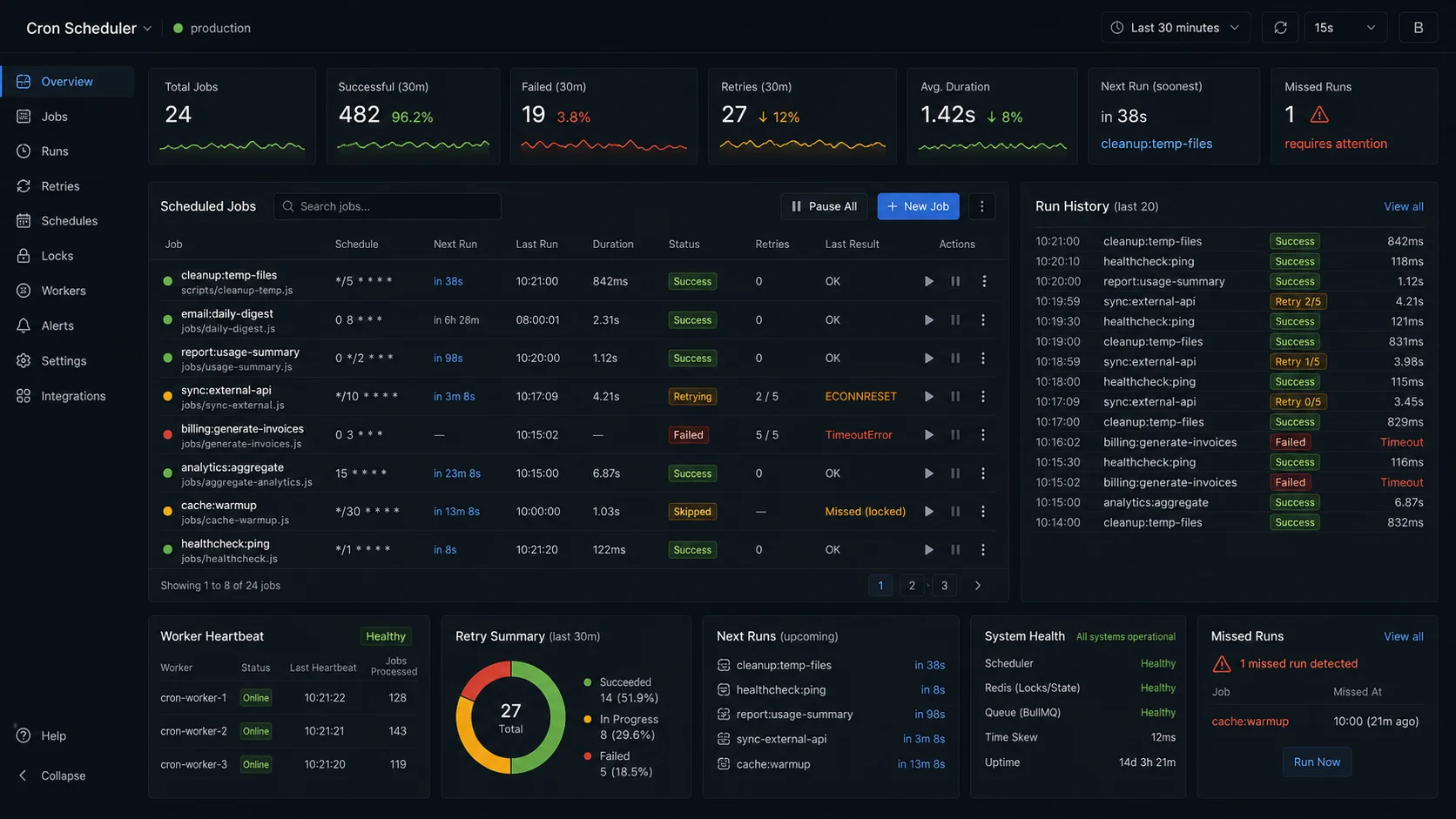
Step 2: when you scale, things break silently
Two instances of the same app, both running the same cron.schedule, both fire at 8:00 a.m. The customers from the opener got charged twice for exactly this reason. The same trap shows up the moment you add PM2 cluster mode for an I/O-bound API — the Fastify vs Express comparison covers when cluster mode pays off and when it just multiplies coordination problems.
Three options to fix it, in order of complexity:
- Run the cron on only one instance. Designate a “scheduler” replica via env var. Simple, fragile — if that replica is down, the job doesn’t run.
- Distributed lock with Redis. Both replicas try to acquire a lock; only the winner runs. Lock TTL handles crashes.
- Use a real distributed scheduler. BullMQ’s repeatable jobs, pg-boss, Temporal. The scheduler itself is distributed and you stop thinking about coordination.
For most teams, option 3 is right. Options 1 and 2 work and have lower setup cost.
Comparison: node-cron vs BullMQ vs Agenda vs croner
| Library | Persistence | External dep | Distributed | Retries | Sub-second precision | Best for |
|---|---|---|---|---|---|---|
| node-cron 4.x | None (in-memory) | None | No | No | Minute | Single-instance services |
| BullMQ 5.x | Redis | Redis | Yes (atomic) | Yes (configurable) | Second (with seconds field) | Multi-instance critical jobs |
| Agenda | MongoDB | MongoDB | Yes (findAndModify) | Basic | Minute | MongoDB-first stacks |
| croner 9.x | None | None | No | No | Second | In-process precision scheduling |
| pg-boss | Postgres | Postgres | Yes (advisory lock) | Yes | Second | Postgres-only stacks |
For teams already running Redis, BullMQ is the default. If you started fresh in 2026, BullMQ is the recommended pick over the original Bull package — covered in the BullMQ background jobs guide. If MongoDB is already your primary data store and adding Redis is a hard sell, Agenda is reasonable. For genuinely simple in-process scheduling with sub-second precision, croner is more accurate than node-cron.
Option 1: scheduler replica
if (process.env.CRON_RUNNER === "true") {
  cron.schedule("0 8 * * *", runDailyJob, { timezone: "America/Chicago" });
}
Set CRON_RUNNER=true on exactly one instance in your deployment. PM2 / Docker Compose / Kubernetes can do this with a designated leader pod or just a labelled instance.
Failure modes:
- Designated instance is down at 8 a.m. — job missed, no retry.
- Deploy rolls and the env var doesn’t propagate — possibly no instance runs the cron.
- Easy to forget when scaling.
Acceptable for low-stakes jobs (cache warming, log rotation). Not acceptable for billing.
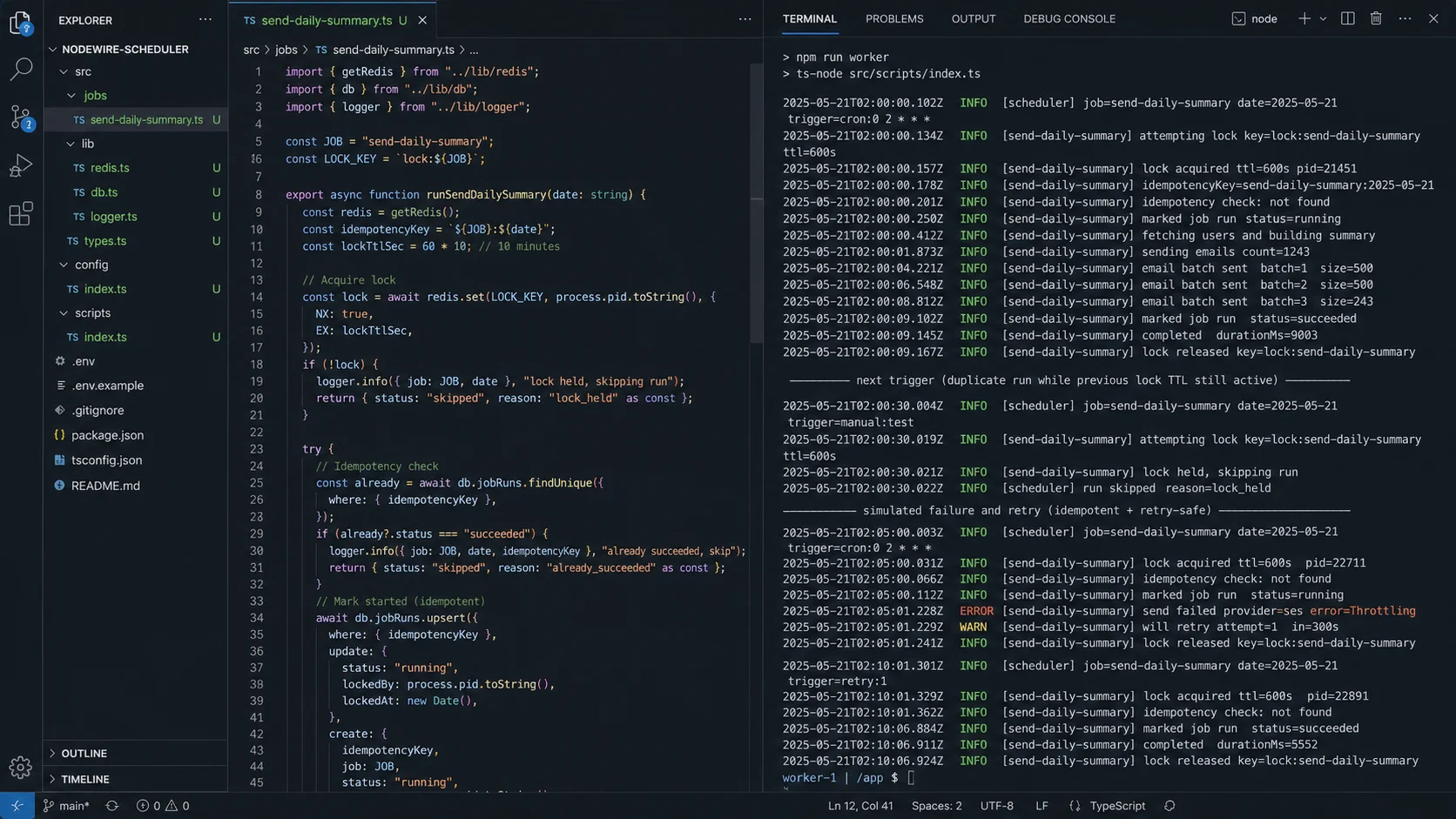
Option 2: distributed lock with Redis
import cron from "node-cron";
import { redis } from "./redis.js";
import { logger } from "./logger.js";

const LOCK_KEY = "cron:lock:daily-summary";
const LOCK_TTL = 600; // seconds — must be longer than the job runtime

cron.schedule(
  "0 8 * * *",
  async () => {
    const ownerToken = `${process.pid}:${Date.now()}:${Math.random()}`;

    // SET key value NX EX ttl — atomic acquire-or-fail
    const acquired = await redis.set(LOCK_KEY, ownerToken, "EX", LOCK_TTL, "NX");
    if (!acquired) {
      logger.info("daily summary already running on another instance");
      return;
    }

    try {
      await sendDailySummary();
    } finally {
      // Only release the lock if we still own it.
      // Use a Lua script for atomic check-and-delete.
      const lua = `
        if redis.call("get", KEYS[1]) == ARGV[1] then
          return redis.call("del", KEYS[1])
        else
          return 0
        end
      `;
      await redis.eval(lua, 1, LOCK_KEY, ownerToken);
    }
  },
  { timezone: "America/Chicago" },
);
Both replicas try to set the lock. Redis’s SET NX is atomic — exactly one wins. The TTL handles the case where the winner crashes mid-job (lock auto-expires, the next run picks it up). The Lua script is the part most tutorials skip: a simple GET-then-DEL isn’t atomic — between the two commands, your lock can expire and another instance can acquire it, and you’d delete their lock. Lua makes the check-and-delete one operation.
For genuine redlock semantics across multiple Redis instances, use the node-redlock library. For a single Redis, SET NX EX with the Lua-released token is enough. The connection setup (retry strategy, error handling) lives in the Node.js Redis caching guide.
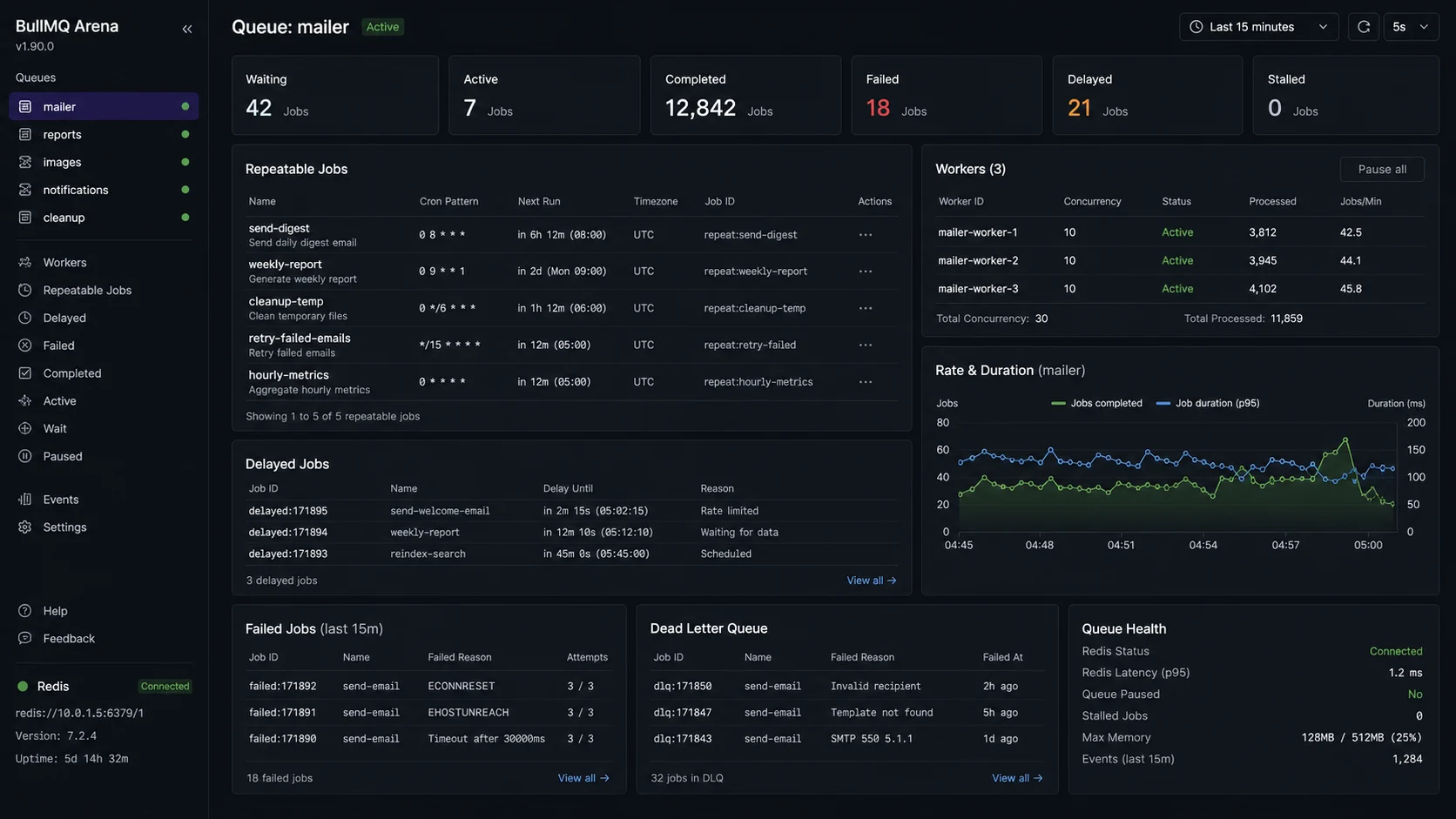
Option 3: BullMQ scheduled jobs (the option I’d default to)
If you already have Redis (you probably do for caching or sessions), BullMQ’s repeatable jobs are the cleanest answer. The scheduler itself is distributed — multiple workers can be running, and BullMQ ensures the job fires exactly once per scheduled time.
npm i bullmq// src/schedules.ts — runs at boot, idempotent
import { Queue } from "bullmq";
import { queueConnection } from "./redis.js";
const reportQueue = new Queue("reports", { connection: queueConnection });
await reportQueue.upsertJobScheduler(
"daily-summary",
{ pattern: "0 8 * * *", tz: "America/Chicago" },
{ name: "daily-summary", data: { reportType: "daily-summary" } },
);
// Sub-minute precision via 'every'
await reportQueue.upsertJobScheduler(
"queue-depth-check",
{ every: 30_000 },
{ name: "queue-depth-check", data: {} },
);
// With seconds-field cron (BullMQ 5.x supports the optional 6th field)
await reportQueue.upsertJobScheduler(
"every-15s",
{ pattern: "*/15 * * * * *" }, // every 15 seconds
{ name: "every-15s", data: {} },
);// src/workers/report-worker.ts
import { Worker } from "bullmq";
import { queueConnection } from "../redis.js";
import { sendDailySummary } from "../jobs/daily-summary.js";
const worker = new Worker(
"reports",
async (job) => {
if (job.name === "daily-summary") return sendDailySummary();
},
{ connection: queueConnection, concurrency: 1 },
);The scheduler name (first argument to upsertJobScheduler) makes the schedule itself idempotent — re-running this on every deploy doesn’t create duplicate schedules. BullMQ checks the existing schedule and updates it in place. This was a pain point with the legacy repeat option; the 5.x API fixes it.
Multiple workers can be running — BullMQ uses Redis to coordinate which worker picks up each scheduled execution. You get exactly-once delivery (modulo job retries on failure) without writing the locking code yourself. Full BullMQ patterns in the BullMQ background jobs guide.
Cron expression cheat sheet
┌──────── minute (0 - 59)
│ ┌────── hour (0 - 23)
│ │ ┌──── day of month (1 - 31)
│ │ │ ┌── month (1 - 12)
│ │ │ │ ┌ day of week (0 - 7, Sun = 0 or 7)
│ │ │ │ │
* * * * *

# Common patterns
0 * * * *       Every hour, on the hour
*/15 * * * *    Every 15 minutes
0 8 * * *       8 a.m. every day
0 8 * * 1-5     8 a.m. weekdays only
0 0 1 * *       Midnight on the 1st of every month
0 9 * * MON     9 a.m. every Monday
0 0 * * 0       Midnight every Sunday
0 */4 * * *     Every 4 hours, on the hour
30 2 * * *      2:30 a.m. every day (off-peak window)

# BullMQ / croner with optional seconds field (6 fields)
*/30 * * * * *  Every 30 seconds
0 */5 * * * *   Every 5 minutes, on the second
15 0 8 * * *    8:00:15 every day
I keep crontab.guru open in a tab whenever I write a new schedule — translates expressions to plain English in real time. Saves the “what time does this actually fire” mistake.
Decision matrix: which scheduler when
| Use case | Pick | Why |
|---|---|---|
| Single-instance personal project, log rotation, cache warming | node-cron 4.x | No infra, idempotent task, one instance |
| Multi-instance API, daily report | BullMQ upsertJobScheduler |
Exactly-once across cluster, retries |
| Billing / financial reconciliation, multi-instance | BullMQ + idempotency keys upstream | Two layers of dedupe (BullMQ + Stripe) |
| Sub-second scheduling, single instance | croner 9.x | Higher precision than node-cron |
| “Send email 7 days after signup” (one-shot future job) | BullMQ delayed job | Per-user trigger, not a cron pattern |
| MongoDB-first stack, modest schedule volume | Agenda | Avoids adding Redis |
| Postgres-first stack, no Redis | pg-boss | Advisory locks, no extra infra |
| Serverless (Vercel, Lambda, Cloudflare Workers) | Platform cron trigger | Don’t run distributed cron in stateless functions |
| Workflow with human pauses (“wait for approval”) | Temporal / Inngest | BullMQ retries; Temporal pauses |
Idempotency: write your job to handle running twice
Whatever pattern you pick, the job itself should be idempotent. Even with locks, even with BullMQ, edge cases happen — a worker that hangs, gets killed, and the lock TTL expires while the work is partially done.
Three patterns that compose:
- Mark-then-do. Mark the work item as “in progress” with a unique run ID, do the work, mark complete. A duplicate run sees “in progress” or “complete” and skips.
- Idempotency keys upstream. When you call Stripe, send a deterministic idempotency key (
billing-cycle-2026-04-customerId). Stripe rejects duplicates server-side. - Database
ON CONFLICT DO NOTHING. When the job inserts a row, use a unique key derived from the run (date + customer + job name). Duplicate inserts become no-ops.
// Idempotent monthly billing — ID-derived from cycle
async function chargeMonthly(customerId: string, cycle: string /* '2026-04' */) {
  const idempotencyKey = `billing:${customerId}:${cycle}`;

  // 1. Database guard — if we already inserted, skip
  const inserted = await db.billingRun.create({
    data: { customerId, cycle, status: "pending" },
  }).catch((err) => {
    if (err.code === "P2002") return null; // unique constraint — already done
    throw err;
  });
  if (!inserted) return { skipped: true };

  // 2. Upstream idempotency key — Stripe rejects duplicates
  await stripe.charges.create(
    { customer: customerId, amount: getMonthlyAmount(customerId), currency: "usd" },
    { idempotencyKey },
  );

  await db.billingRun.update({ where: { id: inserted.id }, data: { status: "complete" } });
  return { charged: true };
}
The billing-cycle-2026-04 pattern is what we should have done from the start. Stripe’s idempotency keys are exactly designed for this case. Two layers — database guard for our side, idempotency key for Stripe — and the duplicate billing incident becomes physically impossible.
Don’t forget timezones (DST will get you eventually)
If your cron runs at “8 a.m. America/Chicago,” it actually fires at 13:00 UTC for half the year and 14:00 UTC for the other half. Pin the timezone explicitly in your scheduler:
// node-cron
cron.schedule("0 8 * * *", job, { timezone: "America/Chicago" });

// BullMQ
await queue.upsertJobScheduler(
  "name",
  { pattern: "0 8 * * *", tz: "America/Chicago" },
  { name: "name", data },
);
Twice a year on DST changeovers, you may lose or gain a run. For most jobs that’s harmless. For jobs where it matters (financial reconciliation), use UTC and translate to local time inside the job logic — the cron fires at “08:00 UTC” reliably; the job decides what “8 a.m. local” means for each tenant.
Health endpoint for scheduled jobs
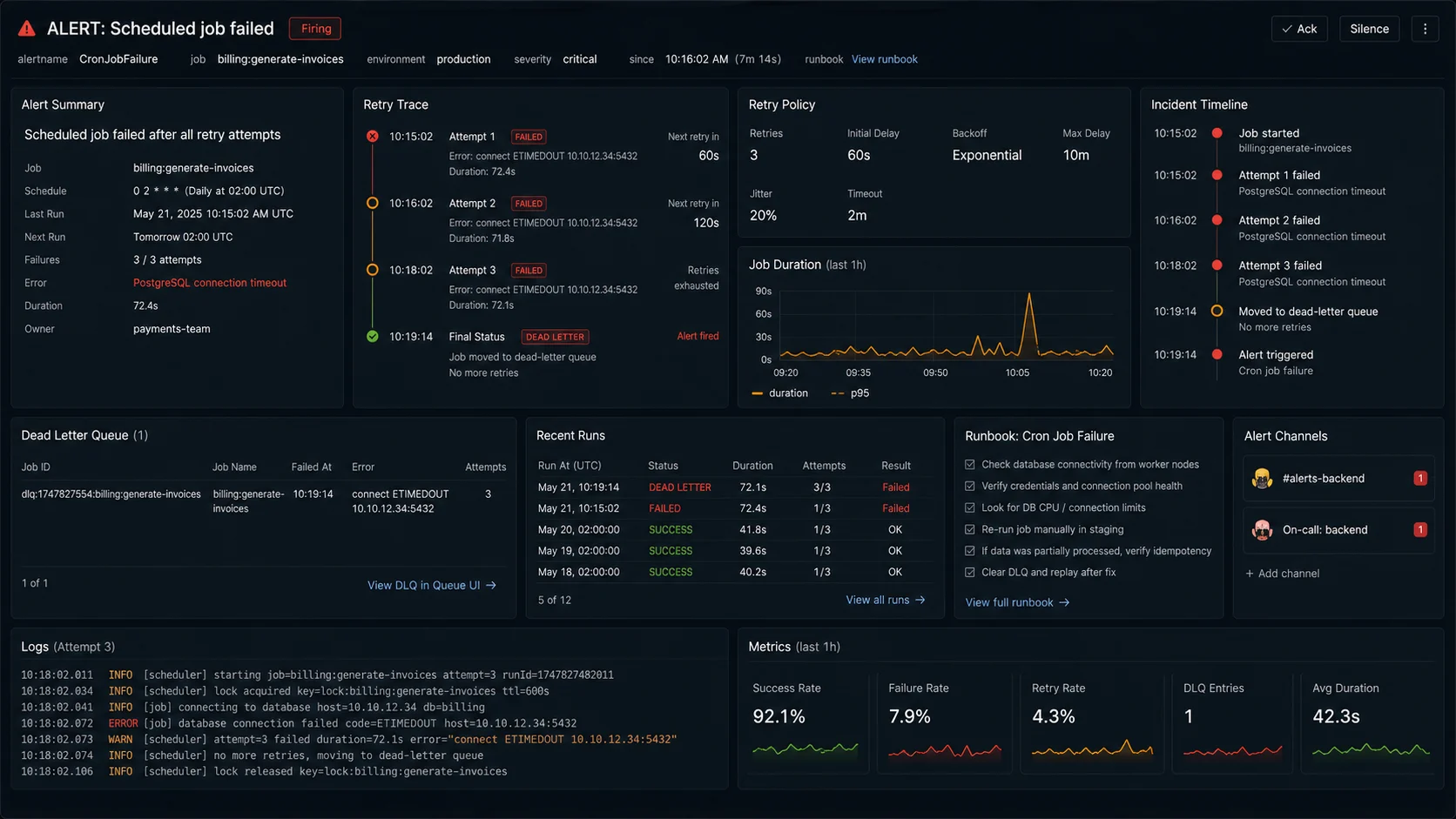
The single biggest mistake teams make with cron jobs: they assume the schedule is healthy because the process is running. Failed jobs sit silently. The solution is a health endpoint that records the last successful run for each schedule and alerts when one falls behind.
import { redis } from "./redis.js";

const LAST_RUN_KEY = (name: string) => `cron:last-success:${name}`;

export async function recordSuccess(name: string) {
  await redis.set(LAST_RUN_KEY(name), Date.now().toString());
}

export async function getScheduleHealth(name: string, expectedIntervalMs: number) {
  const last = await redis.get(LAST_RUN_KEY(name));
  if (!last) return { name, healthy: false, reason: "never run" };
  const ageMs = Date.now() - parseInt(last);
  const healthy = ageMs < expectedIntervalMs * 1.5;
  return { name, healthy, lastSuccessAgeMs: ageMs };
}

// In the job:
await sendDailySummary();
await recordSuccess("daily-summary");

// In the health route:
app.get("/health/schedules", async (_req, res) => {
  const checks = await Promise.all([
    getScheduleHealth("daily-summary", 24 * 3600 * 1000),
    getScheduleHealth("billing", 30 * 24 * 3600 * 1000),
  ]);
  const ok = checks.every((c) => c.healthy);
  res.status(ok ? 200 : 503).json({ healthy: ok, checks });
});
Monitoring “process is up” is not the same as monitoring “scheduled jobs are running.” Wire the schedule freshness into the same alerting that covers your API uptime.
Don’t run cron inside your HTTP server
Same anti-pattern as queue workers: a slow scheduled job blocks your event loop and your API request latency spikes. Run the scheduler in a dedicated process / container.
{
  "scripts": {
    "start:api":       "node dist/api/server.js",
    "start:worker":    "node dist/workers/index.js",
    "start:scheduler": "node dist/scheduler/index.js"
  }
}
For BullMQ, the scheduler and the worker can be the same process or separate. For node-cron with the lock pattern, the scheduler runs alongside the worker logic but should still be in a process that does not serve HTTP traffic. Same Docker image, different entry points — the multi-stage Dockerfile pattern in the Node.js Docker tutorial handles both.
When NOT to use a cron at all
- The trigger is an event, not a time. “When a user signs up, send a welcome email after 3 days” isn’t a cron job — it’s a delayed BullMQ job (
queue.add(name, data, { delay: 3 * 24 * 3600 * 1000 })). Different shape, simpler implementation. - You need precise timing under high load. Cron is at-most-once-per-minute granularity in node-cron. For sub-minute schedules, use BullMQ’s
every: ms, croner with seconds, or a real-time scheduler. - You’re on serverless. AWS EventBridge, Vercel Cron, Cloudflare Cron Triggers — they handle scheduling at the platform level. Don’t build distributed cron inside your Lambda.
- You need workflow orchestration with human pauses. “Wait for manager approval, then resume.” Temporal or Inngest handle that. Cron + retry logic does not.
Production checklist
- [ ] Timezone pinned explicitly on every schedule
- [ ] Single-instance: node-cron 4.x with logging on success and failure
- [ ] Multi-instance: BullMQ
upsertJobScheduleror Redis lock - [ ] Lock release uses Lua script for atomic check-and-delete
- [ ] Lock TTL longer than the job’s worst-case runtime
- [ ] Job is idempotent — database constraint or upstream idempotency key
- [ ]
/health/schedulesendpoint with last-success timestamps - [ ] Alerting on “schedule hasn’t run in 1.5× expected interval”
- [ ] Scheduler process separate from HTTP server
- [ ] DST-sensitive jobs (billing) use UTC + in-job timezone translation
- [ ] Sentry on every job failure with schedule name
- [ ] No cron logic inside Lambda / serverless function (use platform cron)
FAQ
How do I schedule tasks in Node.js?
For a single instance, node-cron@^4.0 is the simplest answer — install, write a cron expression, give it a callback, pin the timezone. For multi-instance deployments, use BullMQ 5.x’s upsertJobScheduler or a Redis distributed lock to prevent the same task running twice. For serverless, use the platform’s cron trigger (Vercel Cron, AWS EventBridge, Cloudflare Cron Triggers).
node-cron vs node-schedule vs croner — which one?
node-cron 4.x is the standard pick for cron-style schedules. node-schedule supports more flexible recurrence rules (date-based, “every weekday but skip holidays”). croner 9.x has the cleanest API of the three and supports sub-second precision via the optional seconds field. For most cron-style jobs, node-cron is fine. For complex calendar logic, node-schedule. For sub-second precision in-process, croner.
How do I prevent a Node.js cron job from running twice?
If you have one instance, you don’t need to. If you have multiple, use a distributed lock (Redis SET NX EX with a Lua-released token) or use BullMQ’s upsertJobScheduler which handles exactly-once delivery via Redis coordination. The mistake is running plain node-cron on every replica without coordination — every replica fires the same job at the same minute.
Can I use BullMQ for cron jobs?
Yes — BullMQ’s upsertJobScheduler is the cleanest distributed-scheduler option in the Node.js ecosystem. Schedule via queue.upsertJobScheduler("name", { pattern: "0 8 * * *", tz: "America/Chicago" }, { name, data }). The scheduler name makes it idempotent across deploys. Sub-minute precision is supported via the seconds field ("*/15 * * * * *") or the every: ms form.
How do I handle daylight saving time in Node.js cron jobs?
Pin the timezone explicitly in your scheduler — { timezone: "America/Chicago" } for node-cron, { tz: "America/Chicago" } for BullMQ. Twice a year on DST changeovers you may lose or gain a run. For jobs where exact timing matters (billing, reconciliation), use UTC in the cron pattern and translate to local time inside the job — the cron fires reliably at 08:00 UTC, the job decides what “8 a.m.” means per tenant.
Should I use cron or a queue for background work?
Use cron for scheduled work that fires on a calendar (daily reports, weekly cleanups, monthly billing). Use a queue (BullMQ) for event-triggered work that should happen “soon” or “in N minutes” (welcome emails, image processing, webhook fan-out). They’re different tools — same Redis backend but different mental models. BullMQ unifies both: you can schedule via upsertJobScheduler and dispatch via queue.add in the same codebase.
How do I monitor scheduled jobs in Node.js?
Three layers. (1) Log every success and failure with the schedule name. (2) Record the last-success timestamp in Redis or your database; expose a /health/schedules endpoint that returns 503 if any schedule’s last-success is older than 1.5× the expected interval. (3) Send failures to Sentry with the schedule name as a tag. Alert on the health endpoint, not on process uptime — a process that’s up but silently skipping jobs is worse than a process that crashed.